

Wine list SEO in brief
A PDF wine list is invisible to search engines. Google can technically open a PDF, but it cannot connect the content to your site structure, follow links within it, or use it to understand what your business offers. Every wine name, producer, and region locked in a PDF is a missed opportunity to appear in local searches. Converting your wine list to HTML is one of the simplest and highest-impact SEO fixes a wine bar can make.
Why Your Wine List Is Invisible to Google (And How to Fix It)
Most wine bar owners assume their website is doing its job. It looks the part, with good photos, and attractive design. It features some neat copy about the bar vibes and what’s on offer, it shows the bar’s address and opening hours, it showcases the menu and wine list, uploaded as a PDF, which is tidy and convenient. And while people nearby are Googling for exactly the bottles you stock…they are landing on your competitors’ websites instead.
Of all the reasons for it, having a PDF menu on your website is one of the most common. It’s a bit like owning a beautiful work of art, your prized possession, stored in a wooden crate. You might show it to an occasional visitor, but most people, or in this case, the search engine, will never see it.
Here’s what happens.
Before Google lists any of your pages, it sends bots to crawl your site. They read the text, follow links, and build a picture of what your business is and what it offers. When your wine list is a PDF, those bots hit a wall. They may sometimes be able to pull fragments of text from a PDF file, but most of that precious content, maybe the most precious you have (the wines you actually pour and sell, the bottles your customers are looking for), sits outside your site’s structure entirely: unlinked, unread, and contributing almost nothing to how Google understands your business.
All those wines you spent months sourcing. The producers nobody else in your city stocks. The styles your customers specifically search for. Locked away. Invisible.
Why can’t Google properly read PDF wine menus?
Google can technically index a PDF, but it does so far less effectively than an HTML page. A PDF has no connection to your site’s internal link structure. It has almost no behind-the-scenes structure telling Google which bits are wine names, which are regions, and which are categories. On mobile, where most local searches happen, PDFs are slow to load and awkward to navigate, which damages your rankings further.
If you are the only bar in town pouring a particular pét-nat or stocking a specific producer, but this information only lives in a PDF, Google cannot confidently match people who search for these wines to you. Your list exists. Google just cannot do much with it.
What HTML does differently
Think of an HTML wine list as a well-designed presentation easily visible for both your customers and for Google. Every producer name, every region, every style sits on the page as readable text, and Google easily scans all of it.
If your list includes Beaujolais Villages, skin-contact wine, blouge or pét-nat, those are real search terms people type into Google. If someone types “skin-contact wine Sheffield” and those exact words live on an HTML page on your site, you give yourself a real shot at getting noticed by a customer who is literally looking for what you’re selling. Built into the HTML of your website, these terms work for you around the clock. Buried in a PDF, they do nothing until a customer clicks the download link, opens a file, and starts reading.
PDF vs HTML: what Google actually sees
When a bot lands on an HTML wine list, it reads structured content embedded in your site. It follows internal links. It connects your menu to your location, your other pages, your Google Business Profile. It builds context.
When a bot lands on a PDF, it downloads a document. There are no internal links to follow, no connection to the rest of your site, no signal telling Google that this document belongs to a natural wine bar in Sheffield that stocks Jura producers and runs weekly tastings. It is just a file hanging in space, unrelated to anything, barely visible to the search engine.
The gap between those two experiences is the gap between being found and being invisible.
Need a wine list that actually ranks?
If you want your menu to serve as a high-traffic asset rather than a dead file, view my wine SEO services. I specialize in converting static menus into structured, HTML-based search assets that help you capture local demand for specific producers, regions, and wine styles.
How to fix your wine list SEO
The good news is that this is almost always a one-time fix. You do not need a redesign. Your brand does not change. Your staff do not need to learn anything new.
Fastest fix (a few hours): Copy your existing wine list into a HTML page on your site. A basic list or table is enough to make the content crawlable. Even if it is not pretty yet, it is already better than a beautiful PDF.
Best long-term option: Build a structured, filterable wine list that lets customers browse by style, region, or producer. This compounds over time as Google indexes more detail.
Hands-off option: Get in touch and let me turn your PDF list into a crawlable, searchable HTML wine list.
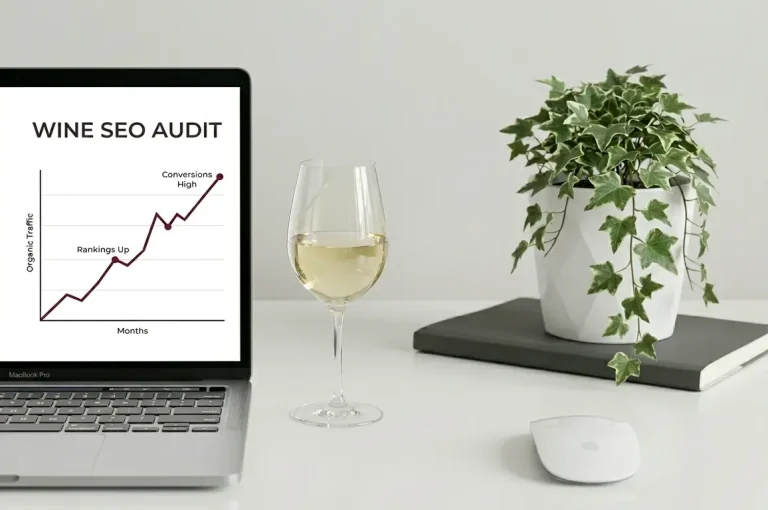
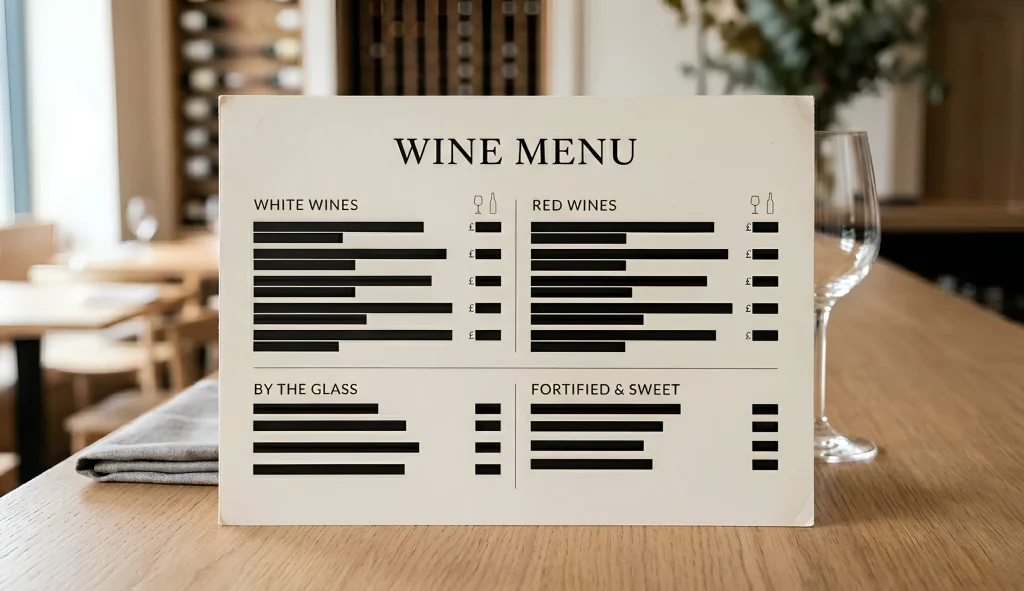
If your wine list is a PDF, this applies to you. If your menu is just a picture, same applies. If you are not sure whether your list is crawlable, this is one of the things I check as part of my technical wine SEO audit.
Before you do anything else, open your own site on your phone and tap the wine list link. If it downloads a file instead of opening a clean page, that is your sign to fix it.
The longer you leave it as is, the more searches you hand to whoever fixed it first.